
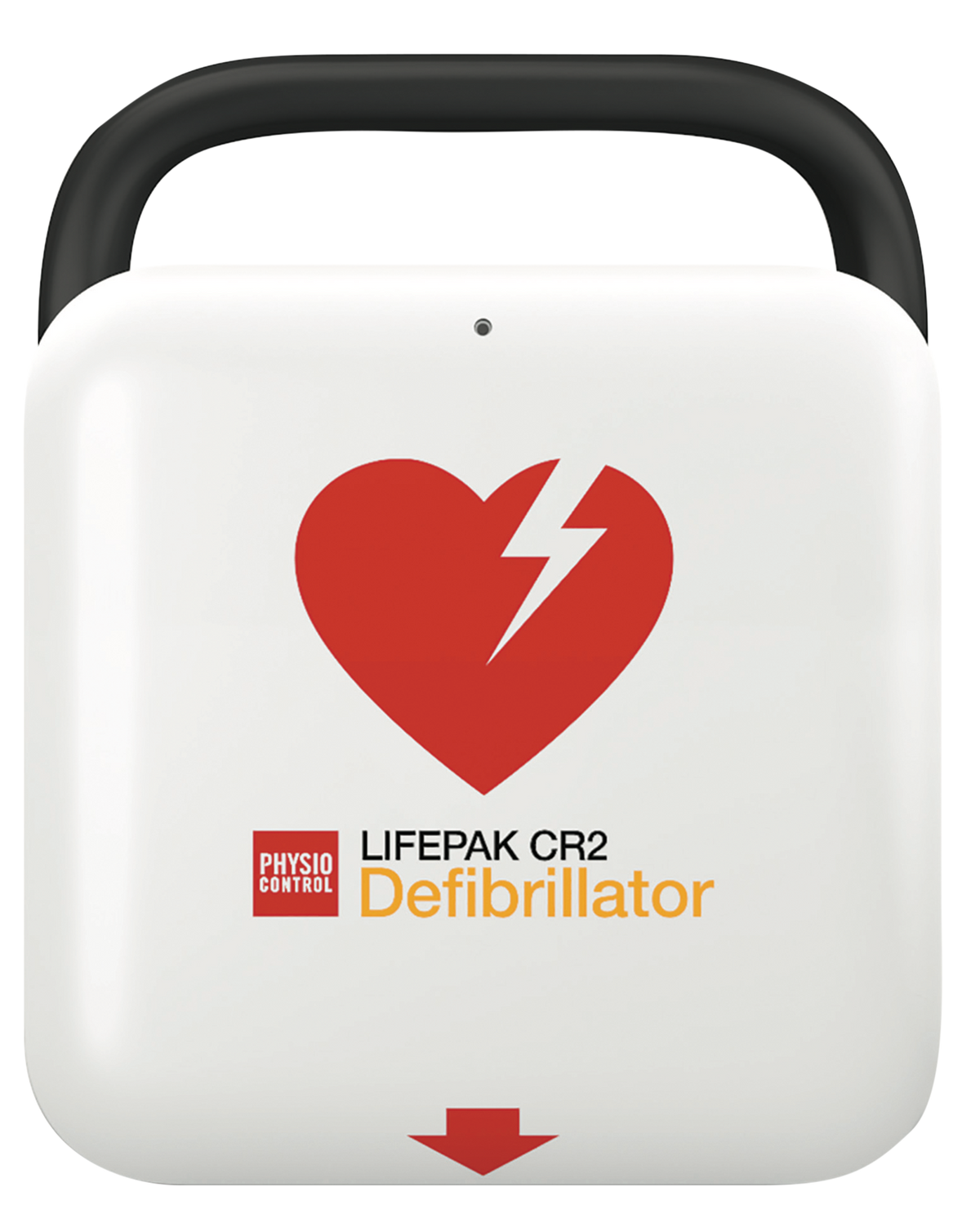
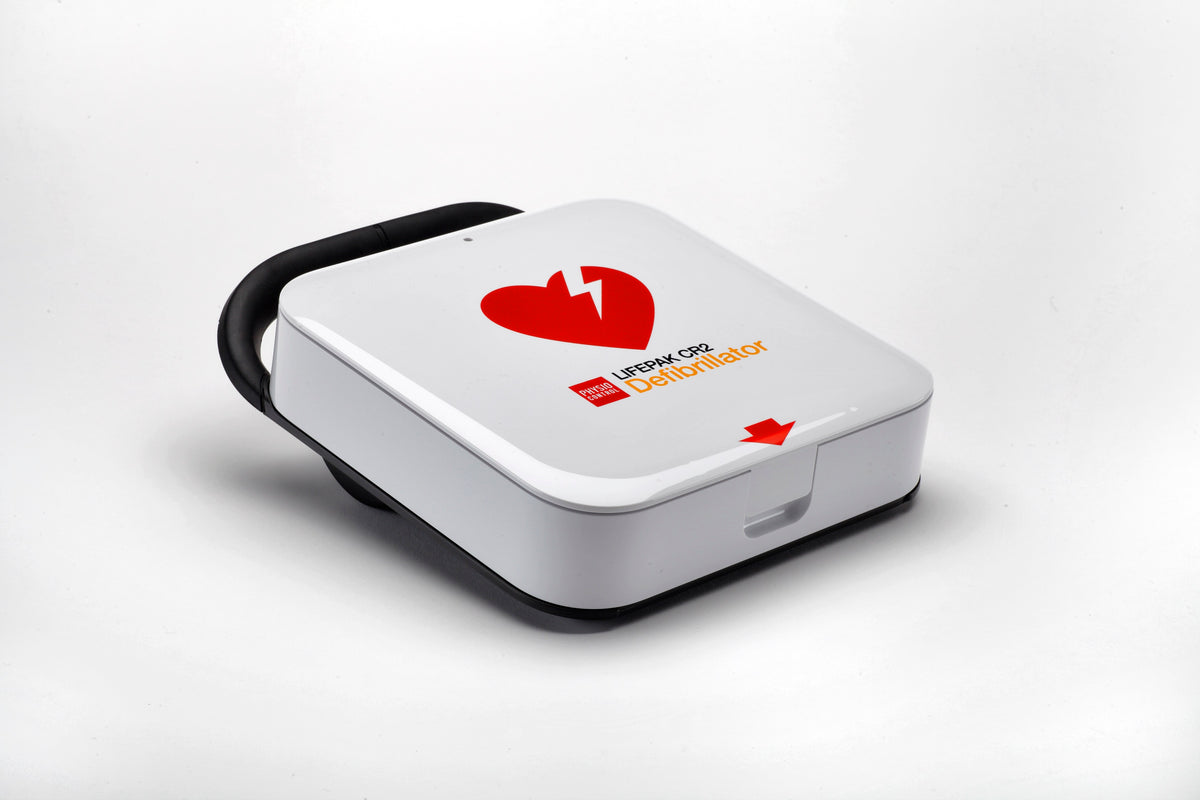
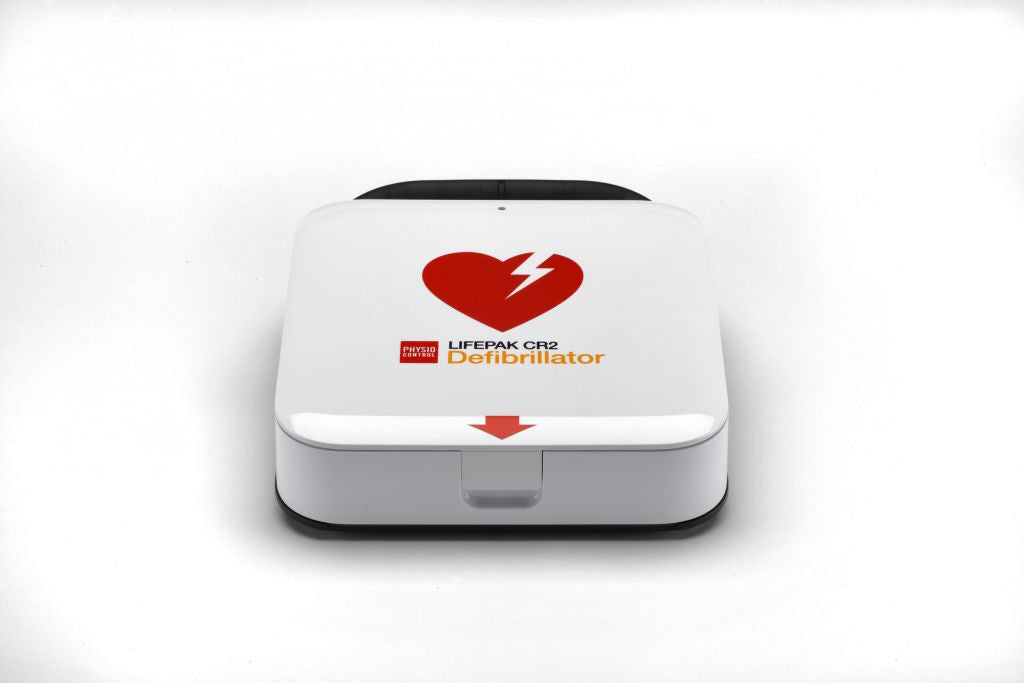
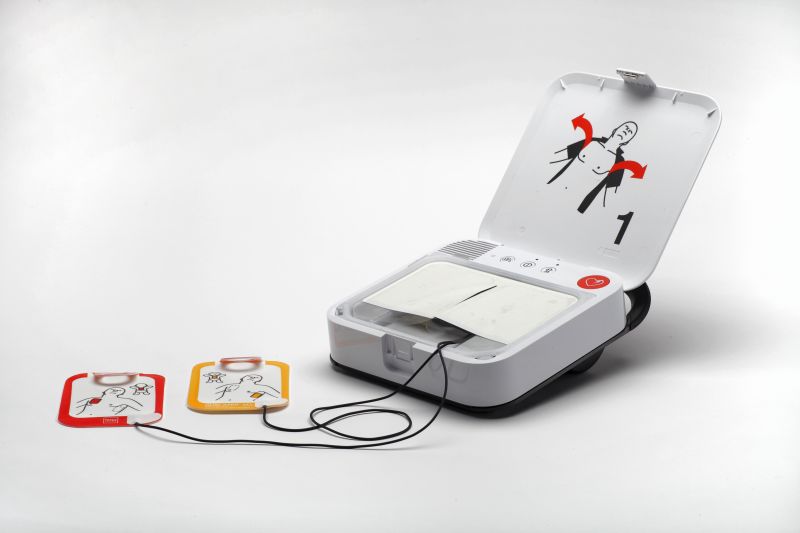
10861 LifePak CR2 WiFi Semi Automatic English
This semi-automatic CR2 pairs rescuer-confirmed shock delivery with built-in wireless connectivity. The device guides the user through rhythm analysis and CPR, prompting a button press only when a shock is advised. WiFi (802.11 b/g/n or mobile data) keeps it linked to LIFENET® or LIFELINKcentral™, sending status and readiness data remotely so a safety officer can confirm the unit is in working order without walking over to plug in a cable — a fit for sites managing multiple AEDs. cprINSIGHT™ technology, QUIK-STEP™ electrodes, and ClearVoice™ noise-adjusted prompts carry over from the rest of the CR2 line, along with metronome-paced CPR coaching for adult and pediatric rescues. IP55-rated against dust and water, English voice prompts, and an 8-year manufacturer's warranty.
Specifications below are provided by the manufacturer.
Increase survival rates with the LIFEPAKCR2. The AED with the shortest time to first shock.
- Semi Automatic English
- Communication: WIFI. Wireless 802.11 b/g/n or mobile data transfer tothe LIFELINKcentral™ AED programme management or LIFENET® system.
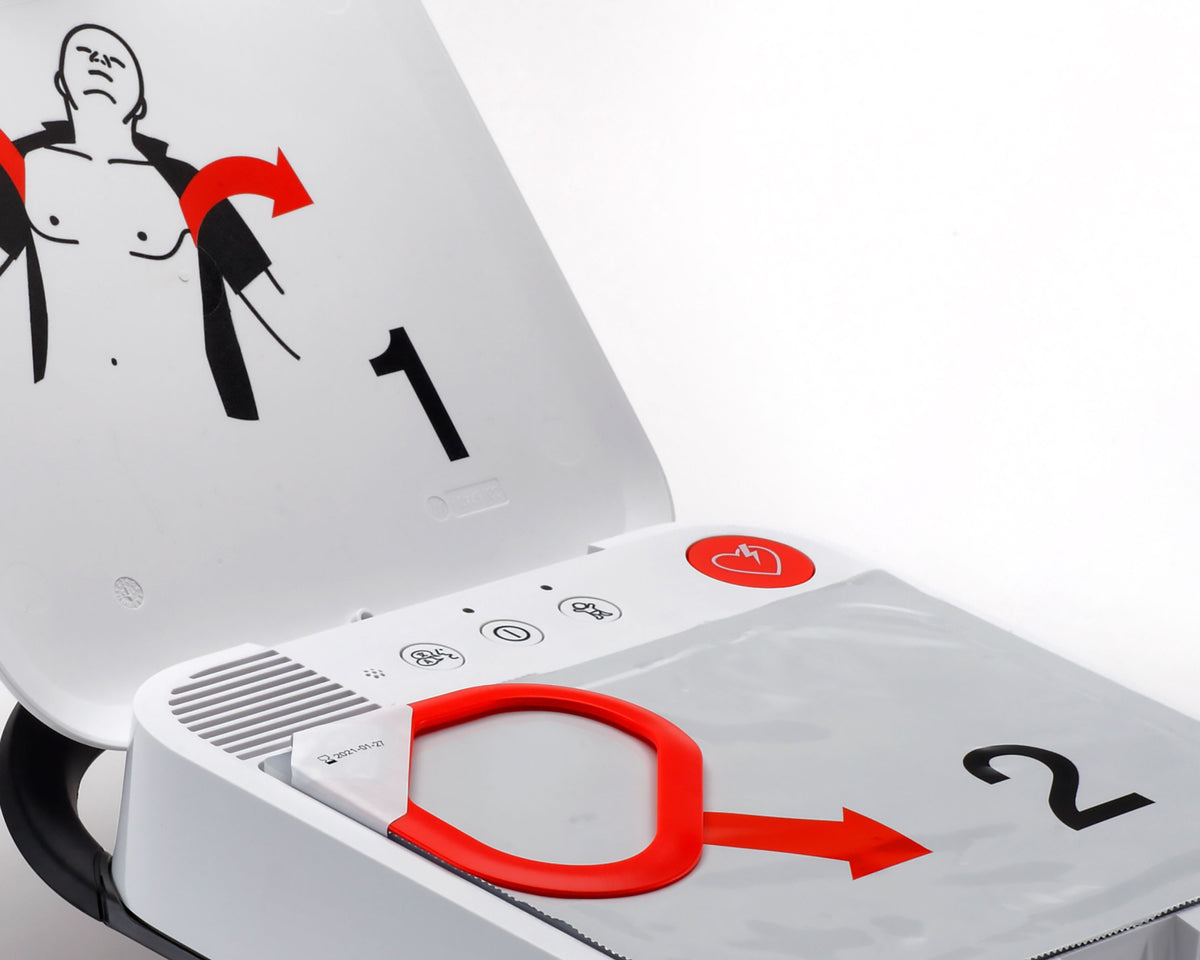
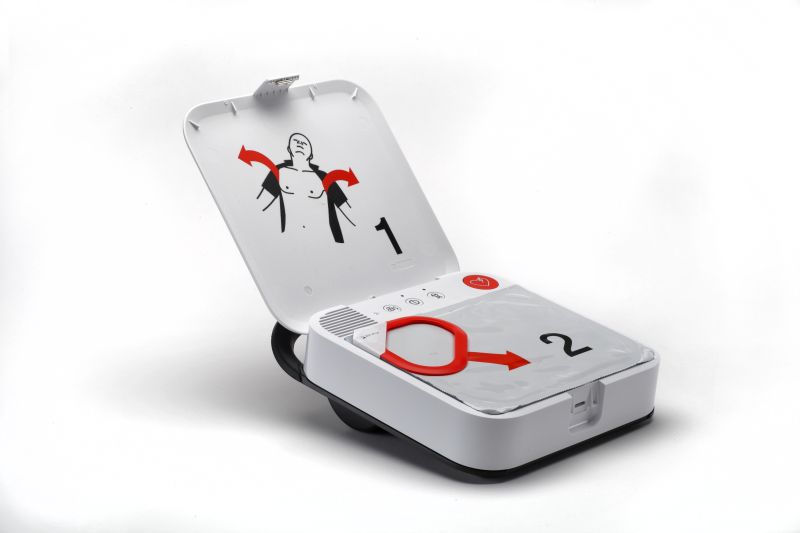
- QUIK-STEP™ electrodes: Can be pulled directly from the holder for faster placement. Suitable for adults and children.
- cprINSIGHT™ analysis technology: Analyses whether a shock can be delivered during chest compressions.
- Metronome and CPR coaching: Provides effective pacing and audibly guides users.
- ClearVoice™ technology: Detects background noise and adjusts the volume of instructions accordingly.
- LIFEPAK TOUGH™ IP55 for high dust and water resistance.
- Eight-year warranty: Covered by 8-year manufacturer’s warranty.
CPR coaching: CPR instructions for adult and paediatric patients, including feedback if no resuscitation is detected, pace and depth guidance, a metronome and instructions on correct hand placement.
The list of the contents with its noted sections.
- Physical features: With handle, including electrodes and battery.
- Height: 10.8 inches
- Width: 8.9 inches
- Depth: 3.8 inches
- Weight: 4.5 lb
NOTE: For complete specifications - Consult Manufacturer’s instruction guide or contact customer service.
Regulatory note. Automated external defibrillators and their accessories (batteries, electrodes) are FDA-regulated medical devices. The LIFEPAK CR2 is approved by FDA through the premarket approval process. In the United States most AEDs, including the LIFEPAK CR2, are prescription devices; our team confirms the authorization requirement with you after checkout. Buy accessories only from authorized distributors. Specifications below are provided by the manufacturer (Stryker / Physio-Control).
AED safety and regulatory notice. An AED is an FDA-regulated medical device. Requirements for prescription, program oversight, registration, training and maintenance vary by state—confirm what applies to you before you deploy a unit. Keep the device accessible, check the readiness indicator regularly, and replace electrodes and battery before their expiry dates. In a suspected cardiac arrest, call 911 immediately, begin CPR, and use the AED as soon as it is available.
Good to know
LIFEPAK CR2 AED – questions
Semi-automatic or fully automatic: which should I choose?
Both analyze the heart rhythm and only allow a shock when one is advised. A semi-automatic unit asks the rescuer to press the shock button; a fully automatic unit delivers the shock itself after a countdown. Workplaces with trained responders often choose semi-automatic; public-access programs often prefer fully automatic.
What does the Wi-Fi version add?
Wi-Fi models connect to the LIFELINKcentral AED program manager for remote readiness monitoring and rescue data transfer; USB models are managed by connecting the device to a computer.
Does it work on children?
Yes. The CR2 has a child-mode button that reduces energy for patients under 8 years or 55 lb, using the same electrodes.
Do I need a prescription to buy an AED?
In the United States most AEDs, including the LIFEPAK CR2, are prescription devices. Our team confirms the authorization requirement with you after checkout. State laws may also require registration, training and physician oversight for AED programs; see our AED resources.
Is the LIFEPAK CR2 FDA approved?
Yes, the LIFEPAK CR2 and its accessories have premarket approval (PMA) from the FDA, which has been required for all AEDs sold in the U.S. since 2015.